

Hardware.
Two devices.
One Mac in your building.
The RPlay Button and the RPlay Voice Puck talk to the same Mac, the same index, keys and lexicon. Nothing goes to a cloud. Both are concepts: the final version may change.
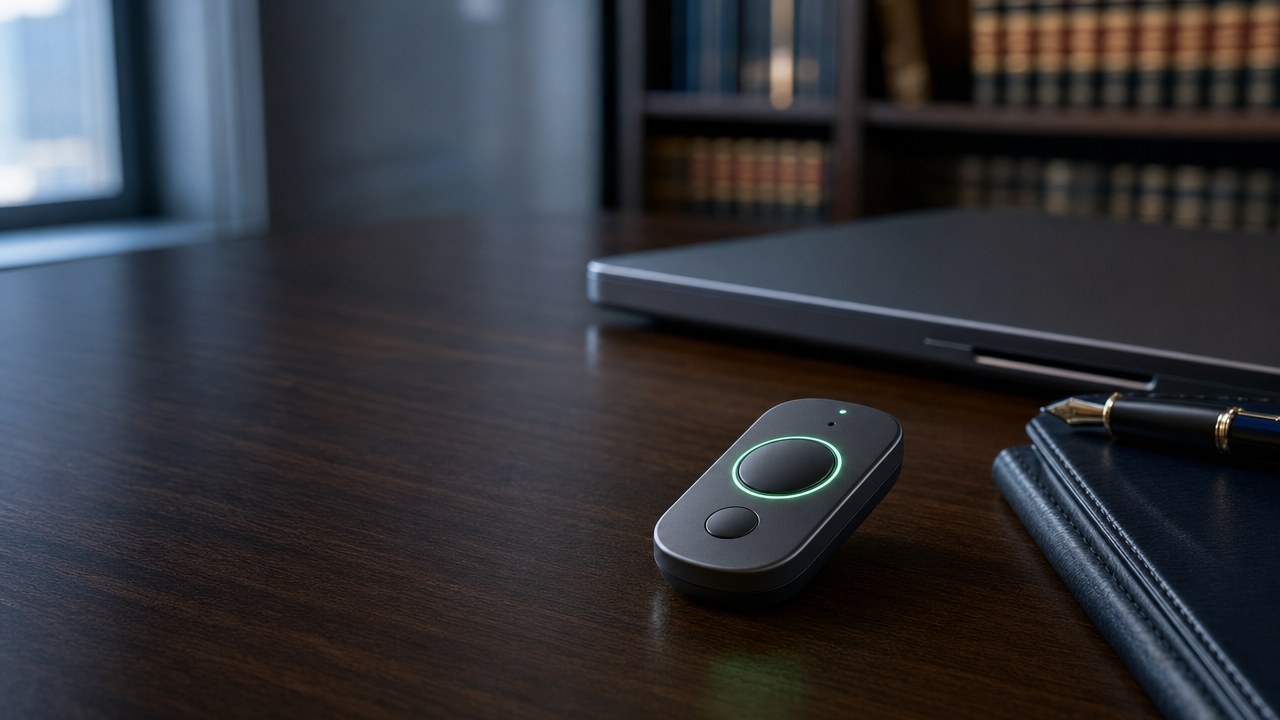
RPlay Button.
The dictation button
for your Mac.
- Hold, speak, let go: the text lands where your cursor is.
- Press to ask RPlay something.
- Bluetooth to the Mac. Recognition happens on the Mac itself, with your lexicon.
About 50 × 30 × 7 mm. Two buttons, one microphone, a motion sensor.
Concept, the final version may change.Brochure (PDF).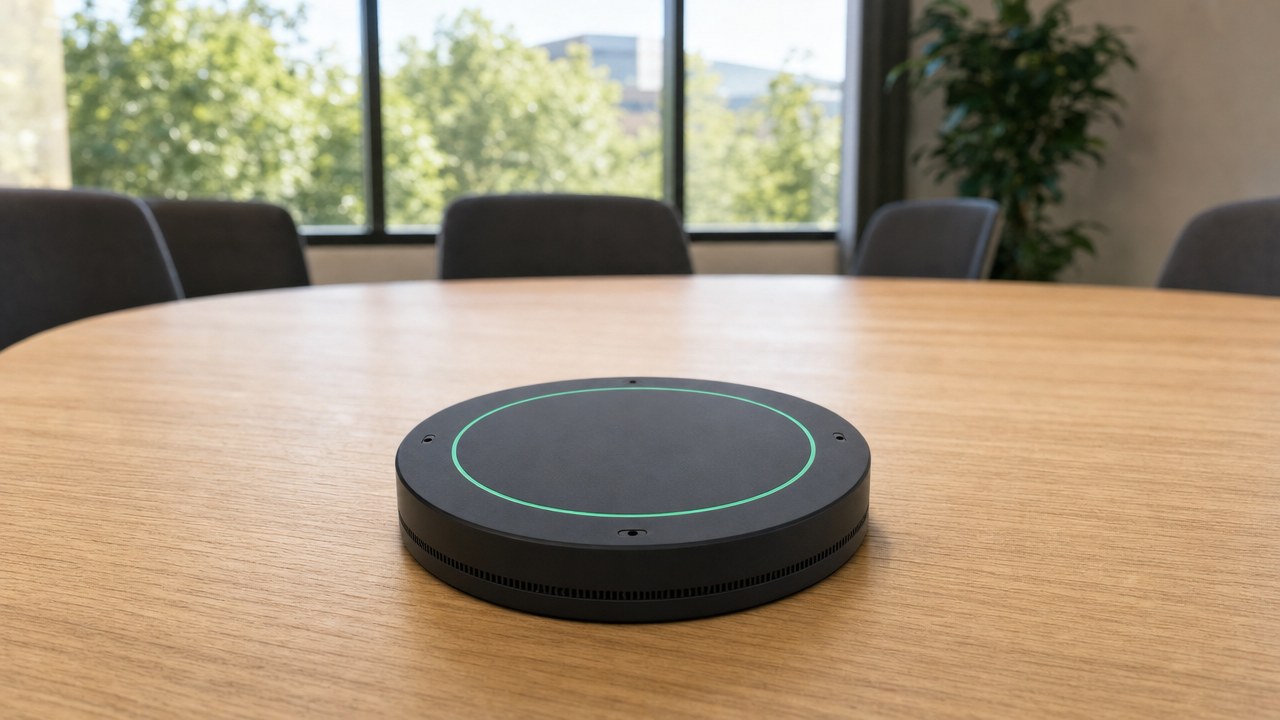
RPlay Voice Puck.
The microphone on the table,
the AI in your building.
- Press the cap or scan the room: the ring turns red and the puck streams to the Mac in the building.
- The Mac transcribes who said what and mails the report: summary, participants, to-dos, time and duration.
- Four microphones and a speaker for spoken answers.
About 110 mm across, 30 mm high.
Concept, the final version may change.Brochure (PDF).Together.
The same Mac.
The same index, keys and lexicon.
Both devices talk to the Mac in your building. What you dictate and what the room says is recognised and summarised there. Nothing goes to a cloud.
Start small, grow into the Vault. The Button and the Puck also work on a smaller Mac, such as a Mac mini, for dictation and meeting reports. Then there is no Vault: no answer across all your sources. When you grow, the Mac Studio with the Vault comes in.
Concept, the final version may change.
Start with a question from your working day.